

Quick Overview
- Open the Deposit menu
- Select Use FIAT
- Enter the amount in your local currency (e.g., MYR)
- Review the quote and provider
- Complete payment via the on-ramp provider (e.g., AlchemyPay)
- Funds will be credited after successful processing
Step-by-Step Flow
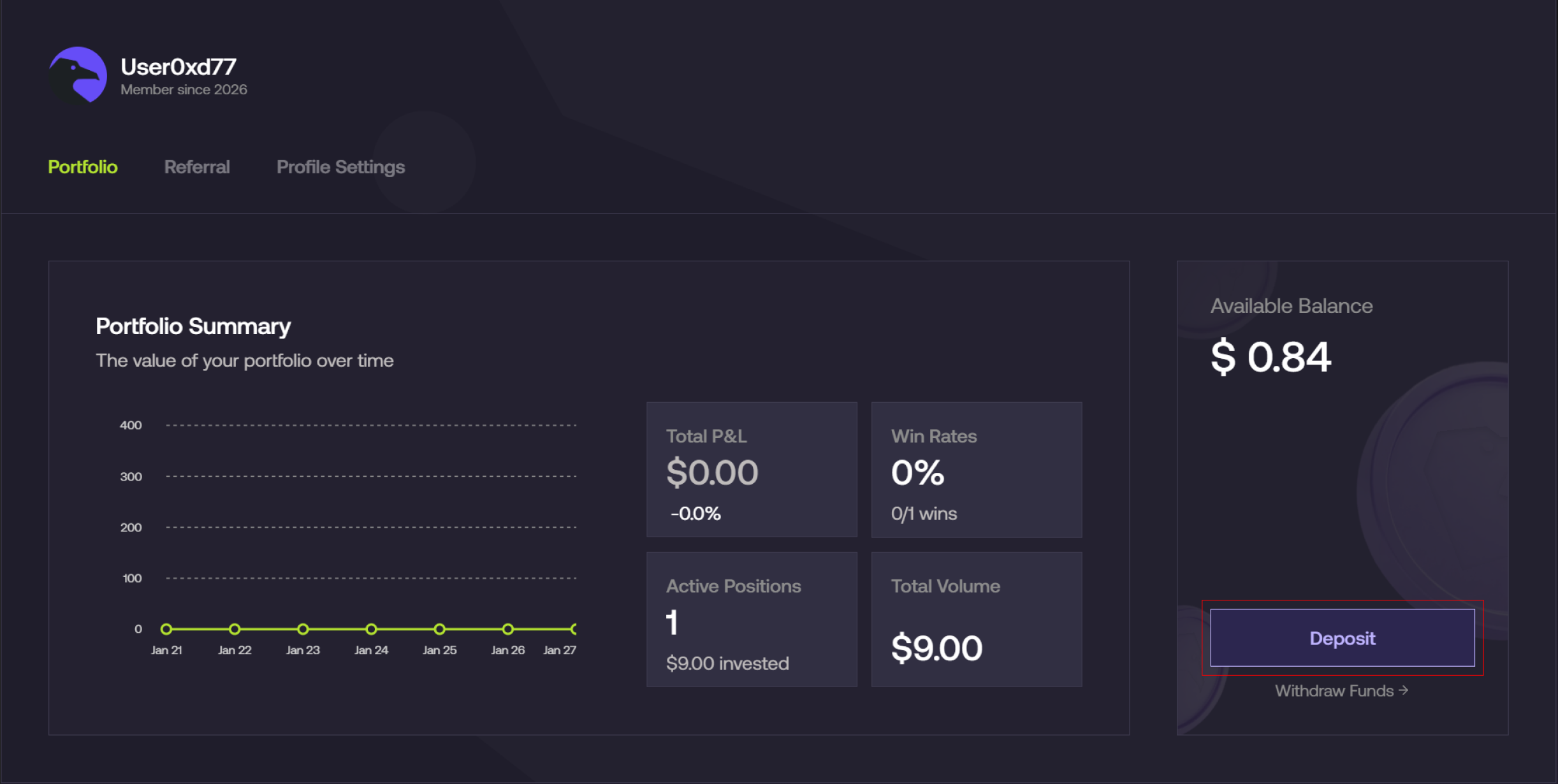
Open the deposit menu
- From the Foresight app, navigate to Profile → Deposit
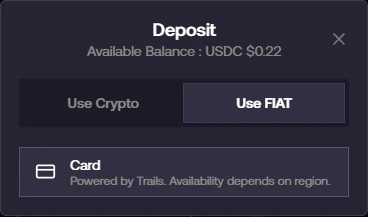
Select Fiat deposit
- Select Use FIAT
- Choose Card as your payment method
Enter amount and review quote
- Enter the amount you want to fund (e.g., MYR 200)
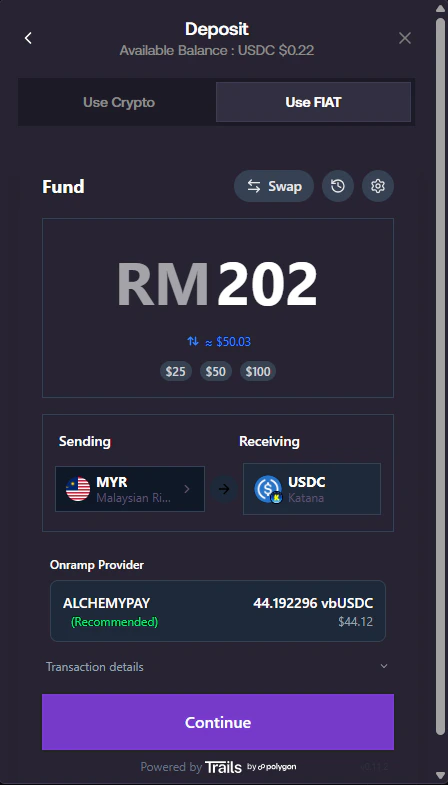
- Review:
- Sending currency (e.g., MYR)
- Receiving asset (e.g., USDC)
- Estimated conversion value
- Fees
- Exchange rate
Proceed to payment
- Click Continue
- A secure on-ramp window will open
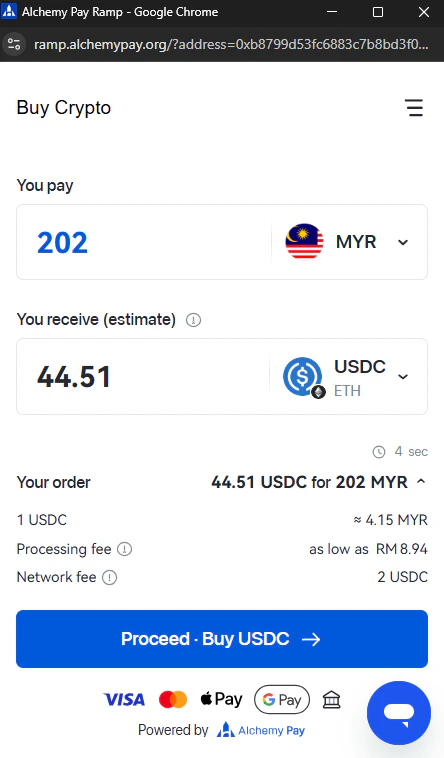
Complete payment with provider
- Review your order details:
- Amount to pay
- Estimated USDC received
- Select payment method (Card)
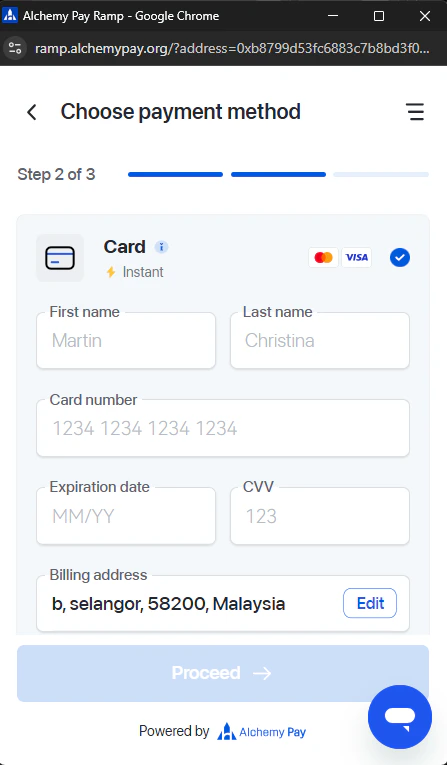
- Enter your card details and billing information
Identity verification (if required)
Depending on your region or transaction size, you may be required to complete KYC verification:- Upload identification document
- Take a selfie for verification
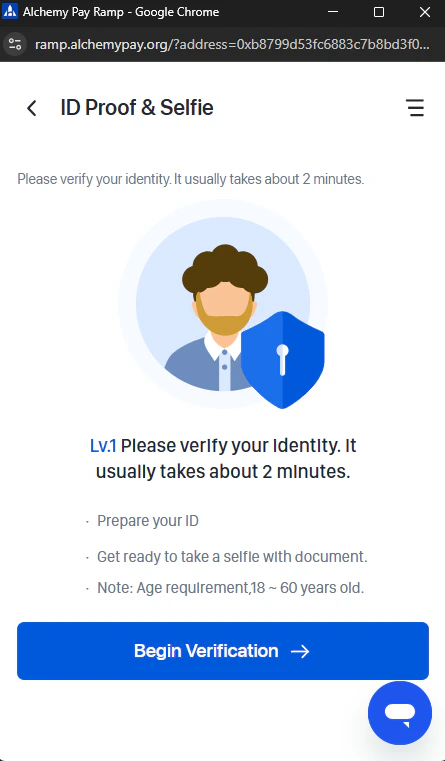
Verification typically takes a few minutes to complete.
Wait for confirmation
- After completing payment:
- The system will show pending / processing status
- Once confirmed:
- Funds will be credited to your Foresight account automatically