

Quick Overview
- Open the Deposit menu
- Select Use Crypto
- Choose your token and network
- Copy your deposit address or scan the QR code
- Send funds from your external wallet
- Funds will be credited after on-chain confirmation
Step-by-Step Flow
Open the deposit menu
- From the Foresight app, navigate to Profile → Deposit
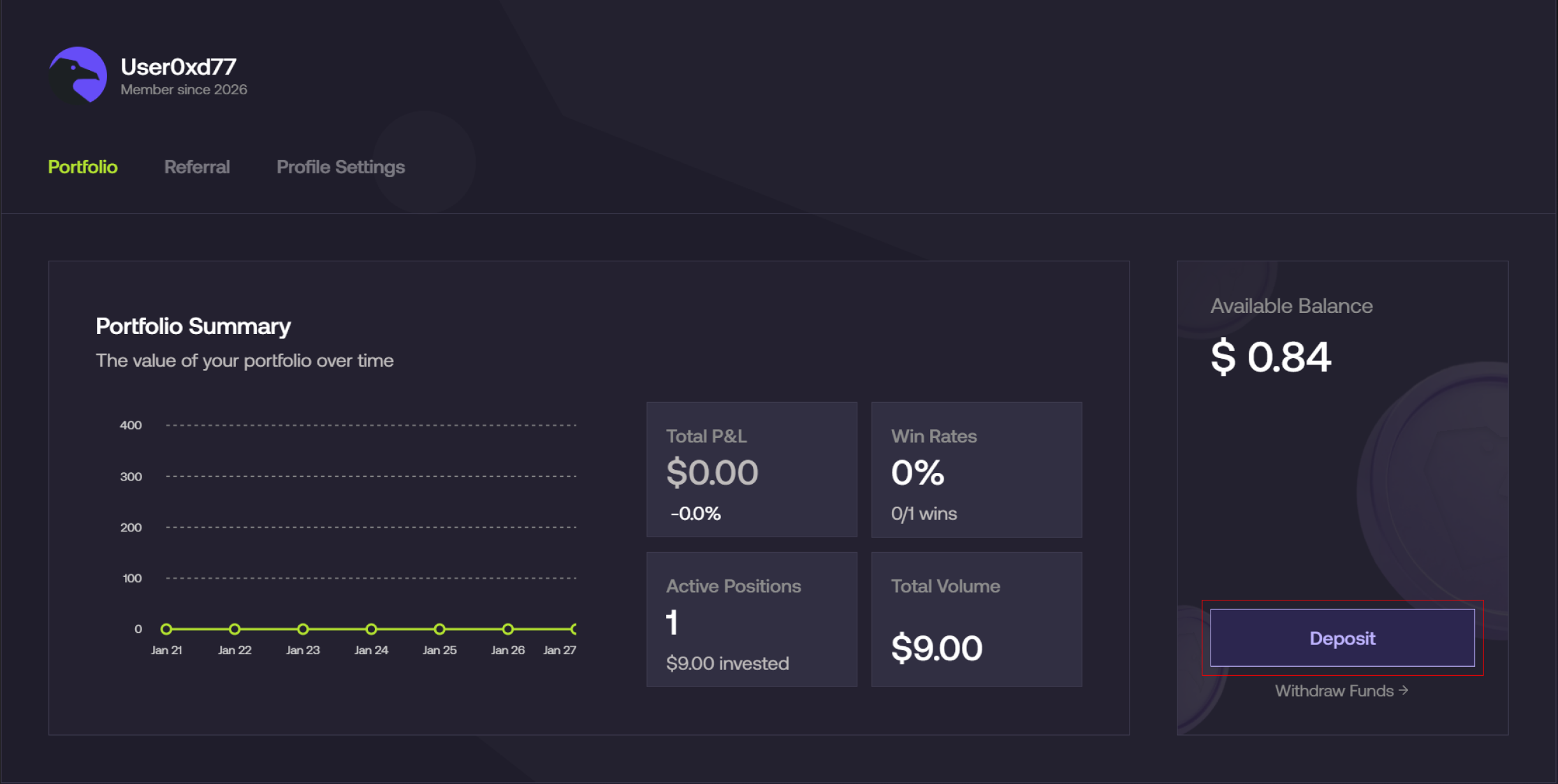
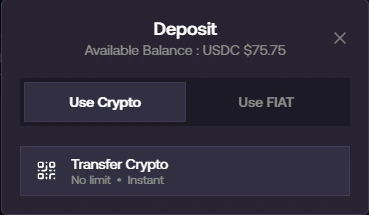
Select Crypto deposit
- In the deposit modal, select Use Crypto
- Click on Transfer Crypto
Select token and network
- Choose the token you want to deposit (e.g., USDC / USDT)
- Select your preferred network
- Example: Ethereum, Arbitrum, BNB Chain, etc.
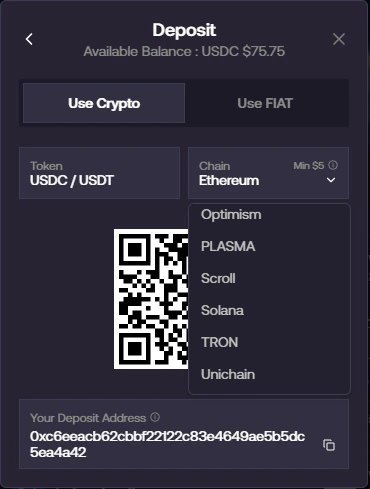
Always ensure the network you select matches the network you are sending from.
Copy address or scan QR code
- Your unique deposit address will be generated
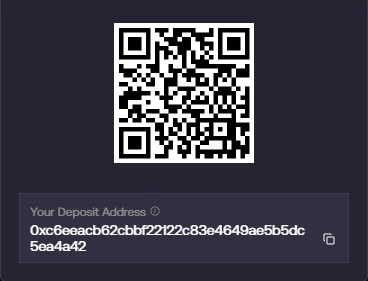
- Either:
- Copy the address, or
- Scan the QR code using your wallet
Send funds from your wallet
- Go to your external wallet (e.g., MetaMask, Exchange)
- Paste the deposit address or scan the QR code
- Enter the amount and confirm the transaction
Wait for confirmation
- Once the transaction is confirmed on-chain:
- Your funds will be automatically credited to your Foresight balance
Processing time depends on the selected network and current congestion.