

Social Sign-Up
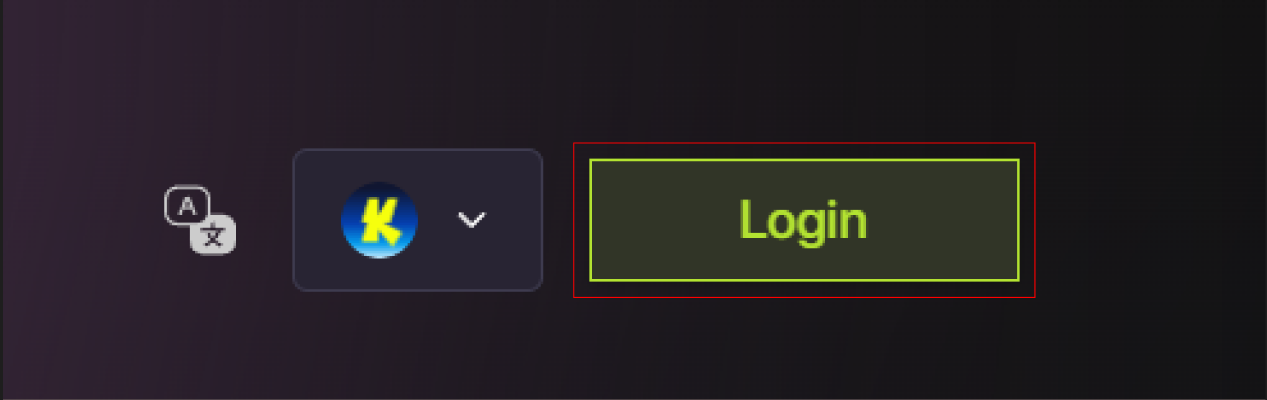
When you sign up with email or Google, Foresight automatically creates a secure embedded wallet for you. This wallet uses modern cryptographic primitives and battle-tested key management infrastructure to protect your private keys. You can immediately use this wallet to trade once it is funded, no manual wallet setup required. Steps- Click Login / Sign Up on the top right of homepage.
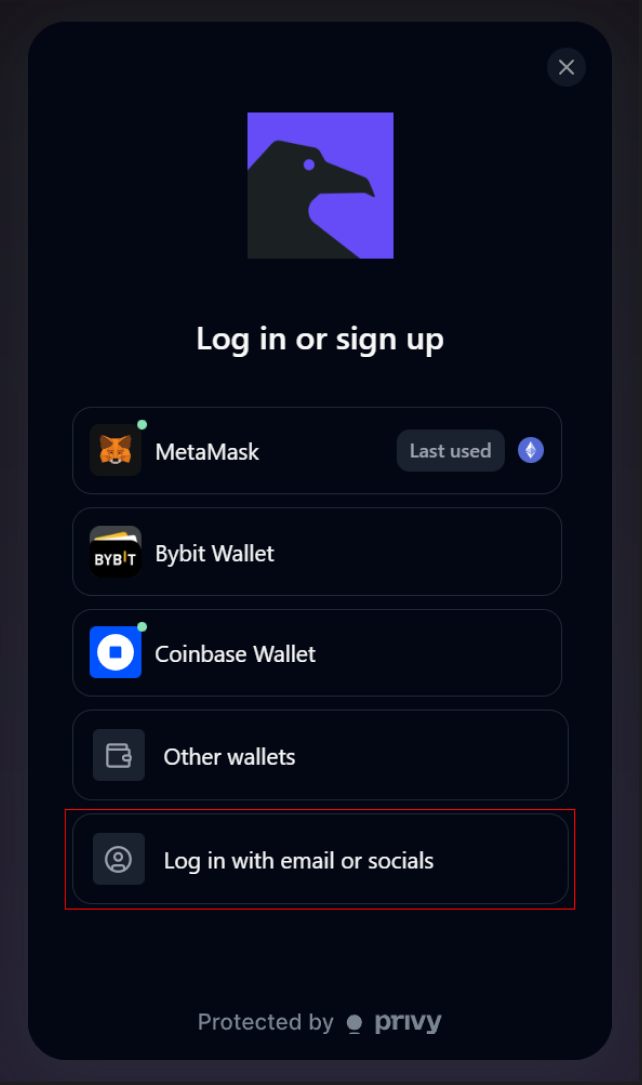
- Select Log in with email or socials.
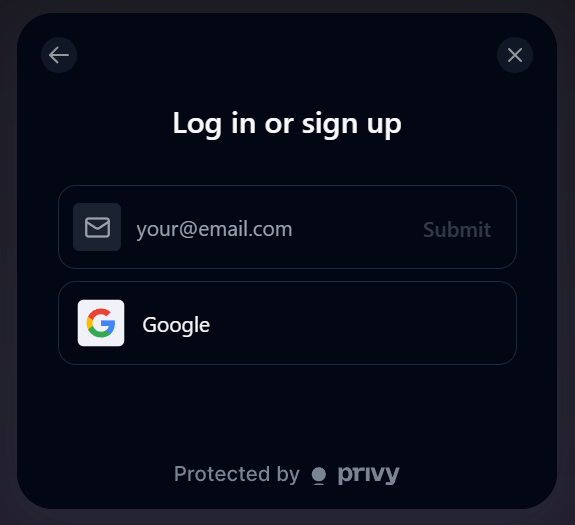
- Choose to enter your email or sign up with Google to complete verification flow.
- Your embedded wallet is created automatically and linked to your account.
You can immediately use this wallet to trade, but you need to deposit into this wallet.
Crypto Wallet Sign-Up
Use wallet login if you prefer to trade directly using your own self-custody wallet and retain full control over your private keys and funds. When you connect a wallet, Foresight does not create or manage a wallet for you. All transactions are signed and executed directly from your wallet, and your wallet address becomes your on-chain identity on the platform. Steps- Click Login / Connect Wallet.
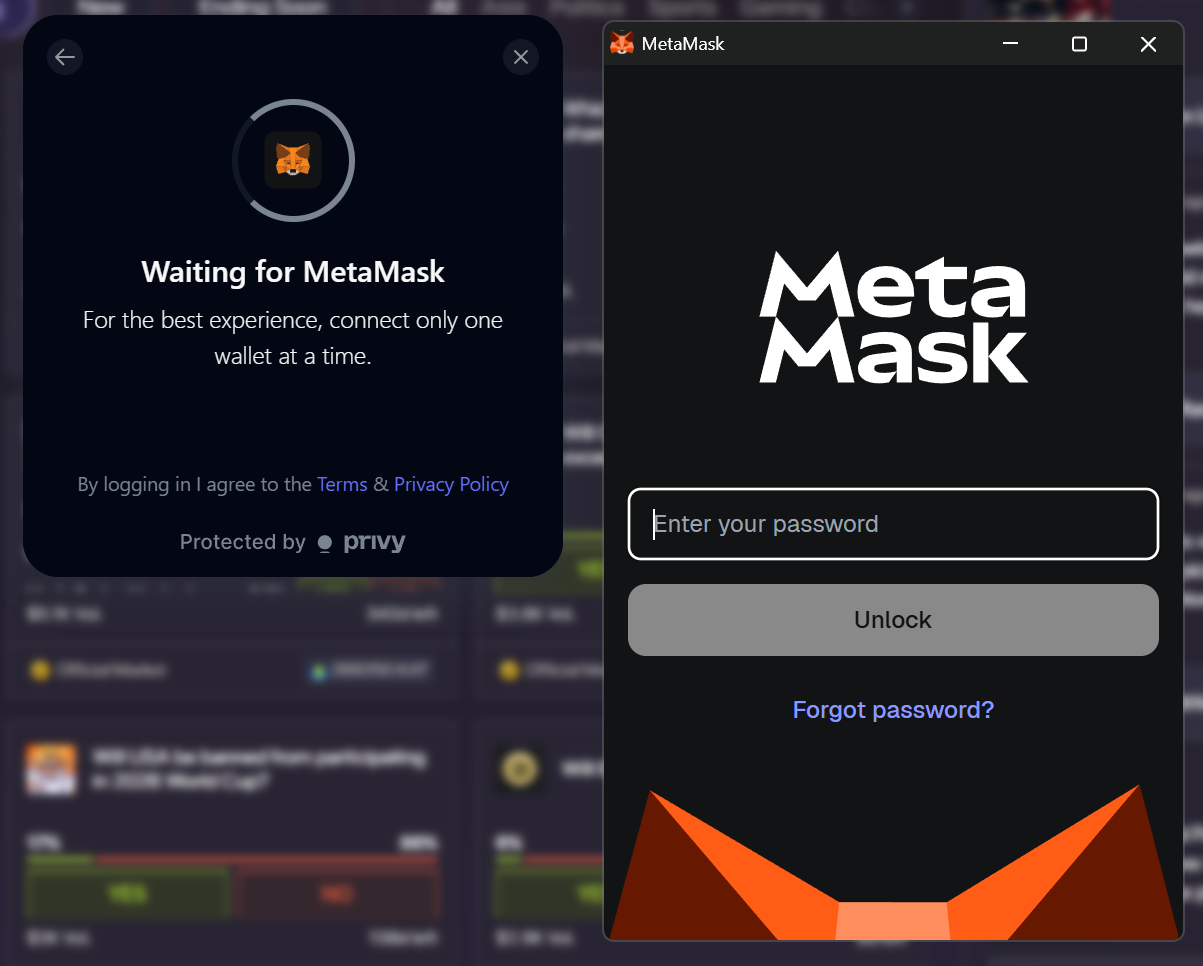
- Select your wallet provider (e.g., MetaMask or Bybit Wallet and others).
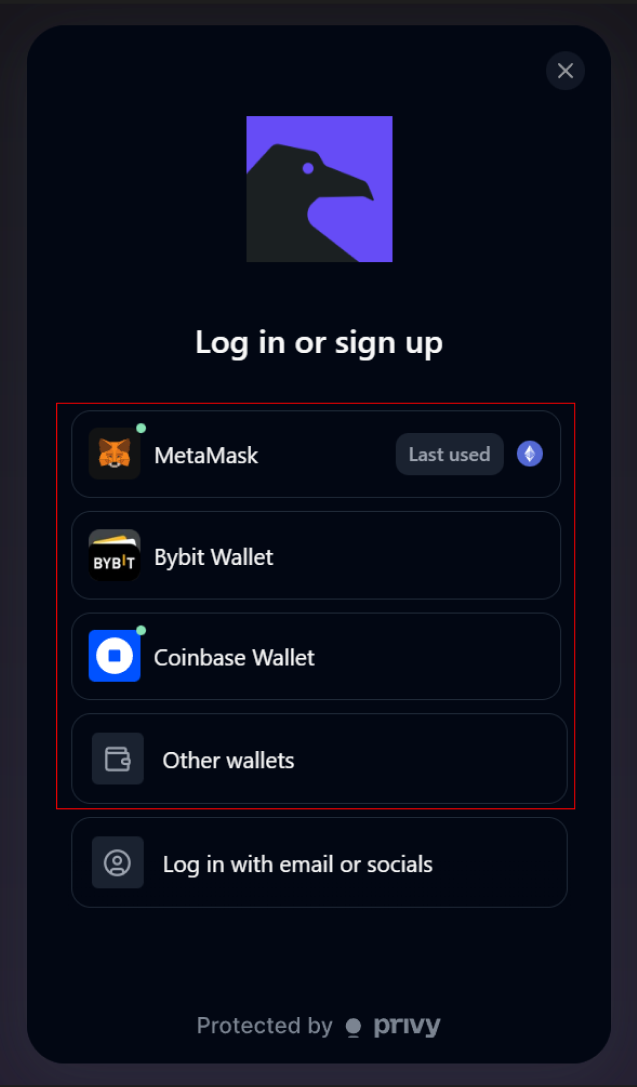
- If you have the specific wallet extension approve the connection in your wallet and follow the specific steps provided, else scan the QR code provided with your chosen wallet.
- Ensure your wallet is connected to a supported network (e.g., Katana, Citrea, or Base).