

Single Markets
A Single market contains one standalone prediction with a fixed set of outcomes.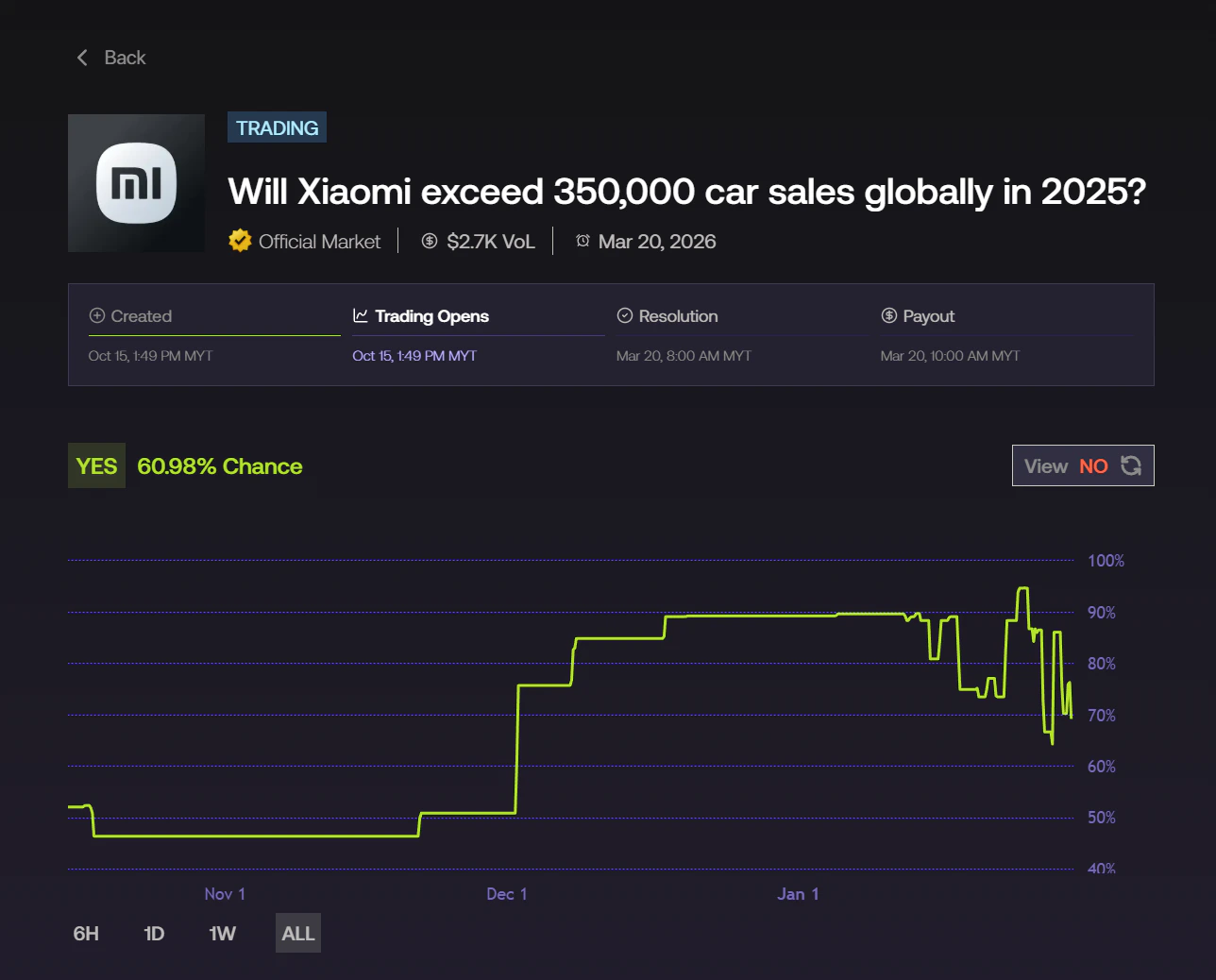
- Present a clear outcome structure, such as Yes / No.
- Resolve as a single event with one final outcome with a possiblility of a Tie / Draw outcome depending on the market.
- Have one lifecycle and one resolution state.
Multi Markets
A Multi market groups multiple related submarkets under a single market umbrella. Each submarket represents its own independent prediction.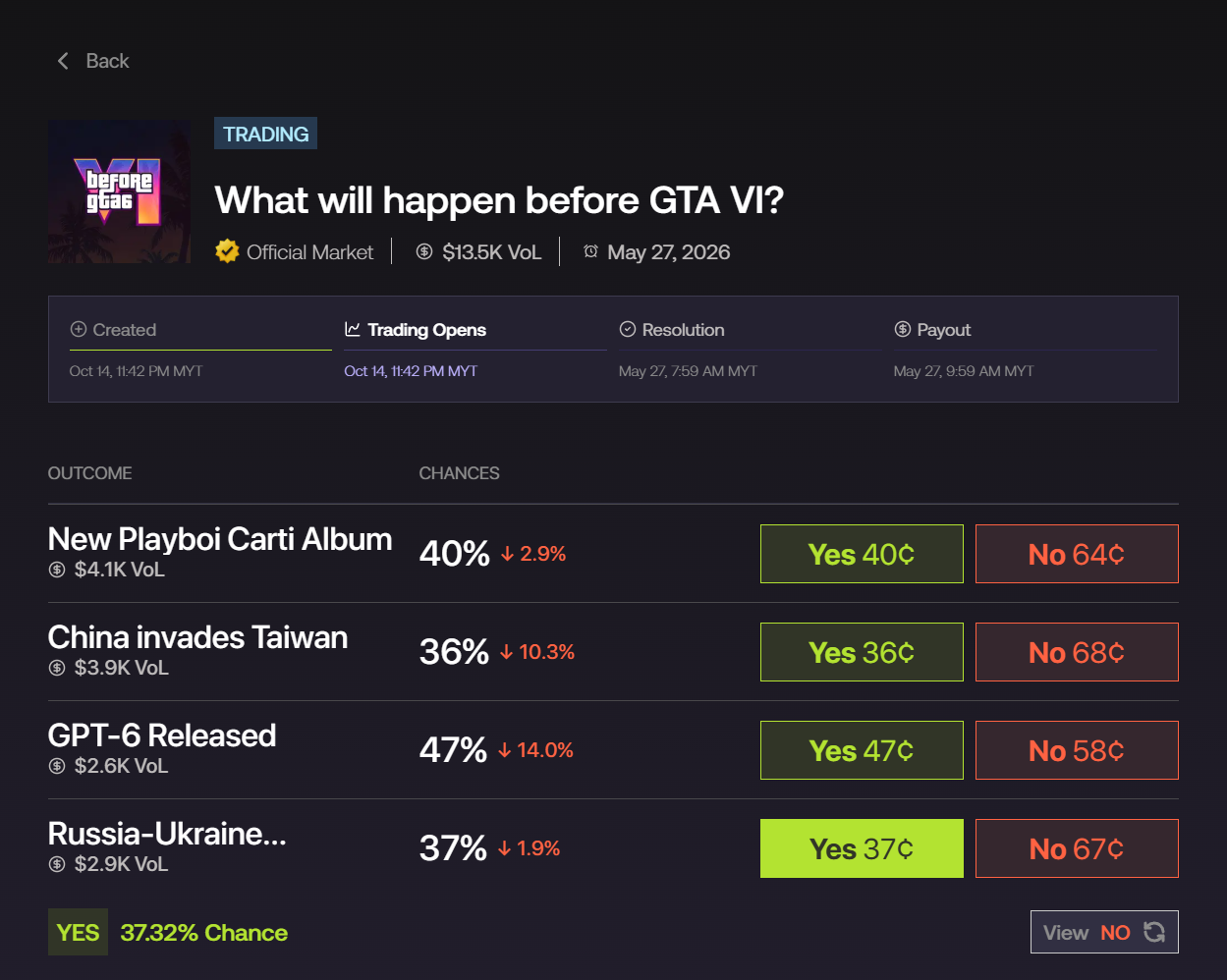
- Each submarket operates independently.
- Submarkets may enter different states (Open, Paused, Resolved) at different times.
- Each submarket can resolve separately based on its own conditions.
Trading Mechanisms
In addition to market structure, Foresight supports two different trading mechanisms: AMM and CLOB. These determine how trades are executed, not what the market predicts.AMM (Automated Market Maker)
AMM markets use a liquidity pool to facilitate trading.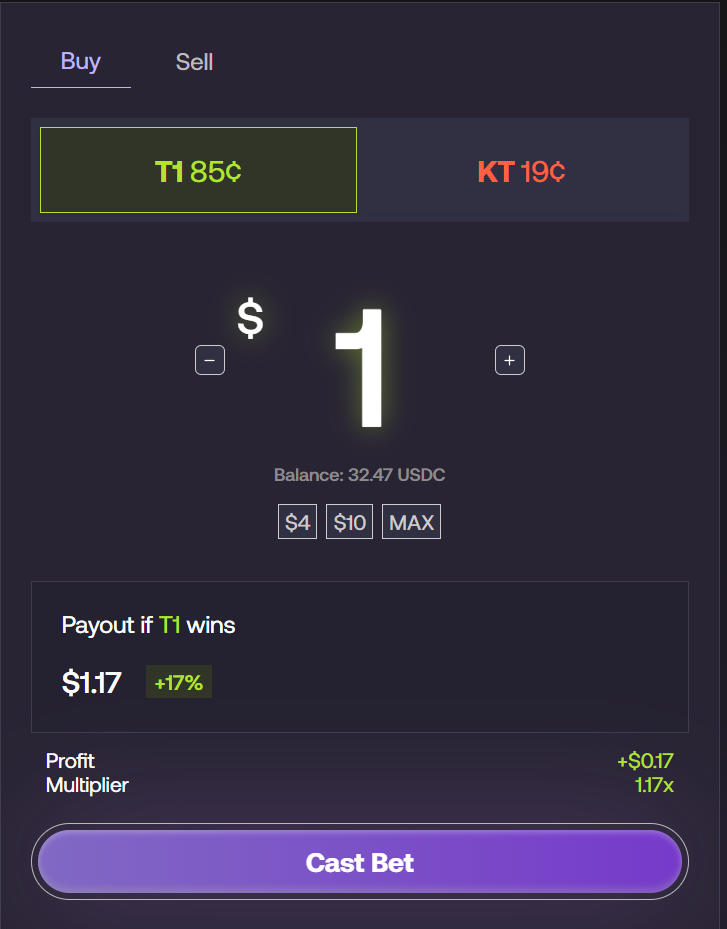
- Users trade directly against the pool
- Prices adjust automatically based on supply and demand
- Trades are always executable as long as liquidity exists
- No need to wait for another user to take the opposite side
CLOB (Central Limit Order Book)
CLOB markets use an order book system, where users trade by placing orders that are matched with other traders.- Users place Buy or Sell orders at specific prices
- Orders are listed in the order book (Bids and Asks)
- Trades only execute when matching orders are available
- Supports:
- Market orders (instant execution at best available price)
- Limit orders (set your own price)
- Split and Merge operations
Order Book & Trading Interface
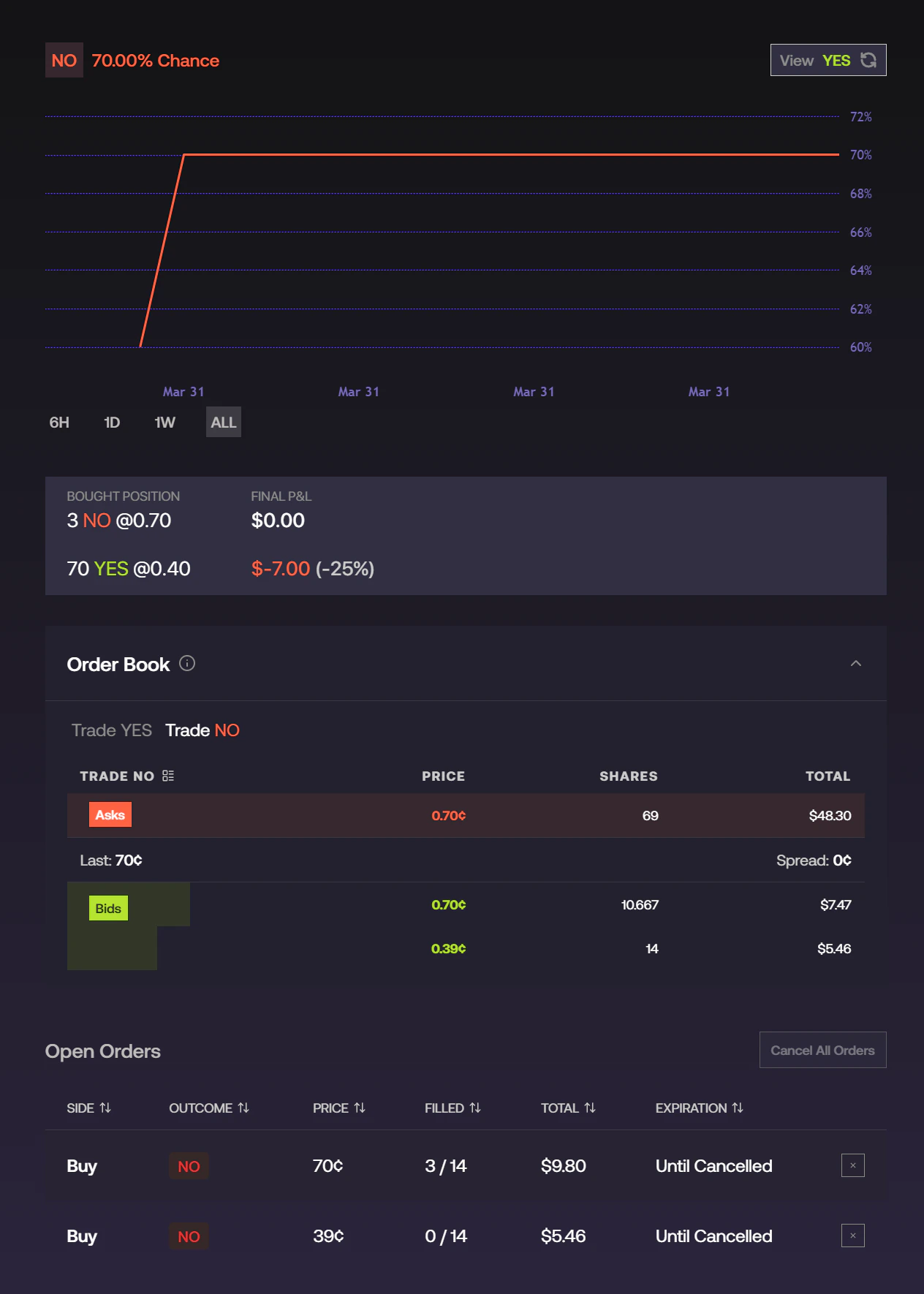
- Order Book
- Displays active bids (buyers) and asks (sellers)
- Shows price levels, available shares, and total value
- Open Orders
- Displays your active orders
- Shows filled amount, total size, and order status
- Price Chart
- Tracks market price movement over time
- Position Summary
- Displays purchased positions and current P&L
Split & Merge
CLOB markets allow users to convert between USDC and position shares:- Split
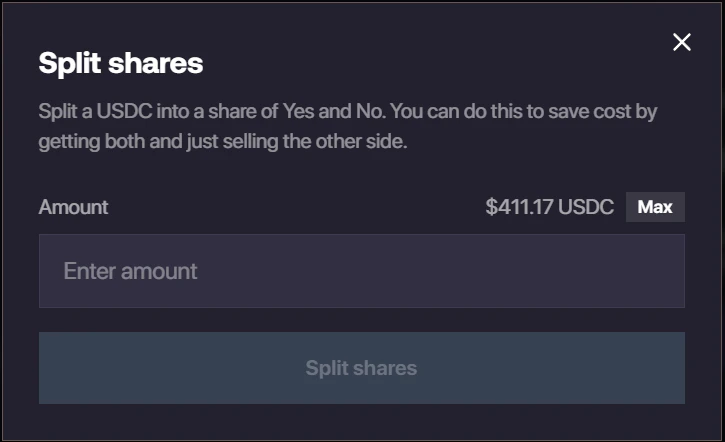
- Convert 1 USDC → 1 Yes + 1 No
- Useful when:
- You want to create both sides of a position
- You want to sell one side while keeping the other
- You want to access liquidity more efficiently
- Merge
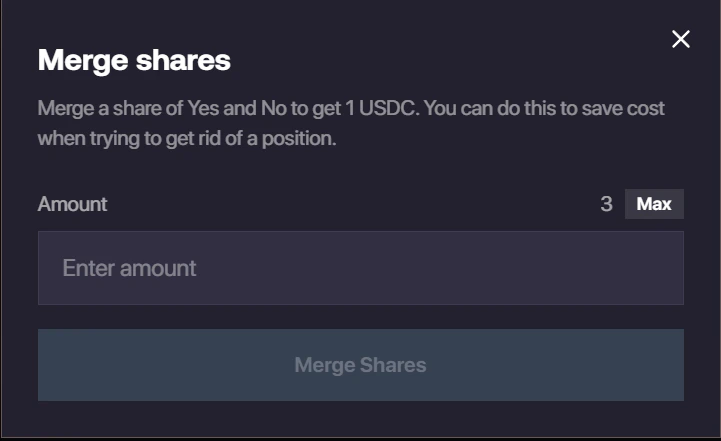
- Convert 1 Yes + 1 No → 1 USDC
- Useful when:
- Exiting positions without relying on the order book
- Avoiding slippage or illiquid markets
Unlike AMM, trades are not guaranteed to execute immediately — they depend on market liquidity and matching orders.